Track follow-up like a pipeline (and stop losing quotes you already paid for)
Updated
Every estimate you send has a cost. You spent time visiting the site, building the quote, and presenting it — whether that’s two hours or five hours, it’s real time with real value. When an estimate goes cold without a systematic follow-up process, that investment disappears. A sales pipeline doesn’t have to be a complicated CRM. It’s a simple system for tracking where every estimate stands, what the next action is, and when to move or close a lead — so nothing slips through. Here’s how to build one that works for a contractor who runs a real business, not a software company.
Key takeaways
- A contractor sales pipeline has five stages — New Inquiry, Estimate Scheduled, Estimate Sent, Active Follow-Up, and Closed — each with a clear next action so no lead stalls without a plan.
- Track three metrics that matter: estimate-to-close rate, average time-to-close, and follow-up touches per closed job. Everything else is noise.
- Businesses with a defined sales process close 18% more revenue than those without one — and that requires zero additional marketing spend.
- Clean your pipeline regularly: move silent leads to Long-Cycle Nurture after Day 42 and close them as Lost after three months of no engagement.
- A daily 10-15 minute pipeline review habit is more valuable than any CRM feature.
Why most contractors don’t track a pipeline — and what it costs them
A contractor sales pipeline is a stage-based tracking system that maps every potential job from first inquiry through signed contract, with defined next actions at each stage so estimates do not disappear without follow-up.
The word “pipeline” sounds like something from a corporate sales team. Most renovation contractors don’t use the term, and most don’t have a formal system. Their “pipeline” lives in their head, in a spreadsheet, or in a folder of sent emails.
The problem with mental tracking is capacity. When you’re managing two active projects, reviewing subcontractor work, dealing with material delays, and estimating new jobs, there is no mental space left to track which estimate is on Day 7 of follow-up and which one did not get a second touch. Things fall through, not because of negligence — because of reality.
According to Source: HubSpot, “State of Sales Report,” 2023, businesses with a defined sales process close 18% more revenue than those without one. In home services, where average project values run $30,000-$100,000, an 18% improvement in close rate on existing estimate volume is transformational — and it requires no additional marketing spend.
A pipeline gives you that structure without requiring a sales background.
What are the five stages of a renovation contractor sales pipeline?
| Stage | Name | Definition | Next Action |
|---|---|---|---|
| 1 | New Inquiry | Lead came in, not yet qualified or scheduled | Respond within 30 minutes, qualify project fit, book estimate |
| 2 | Estimate Scheduled | In-home estimate appointment booked | Send 48hr, 24hr, 2hr reminders; prepare for visit |
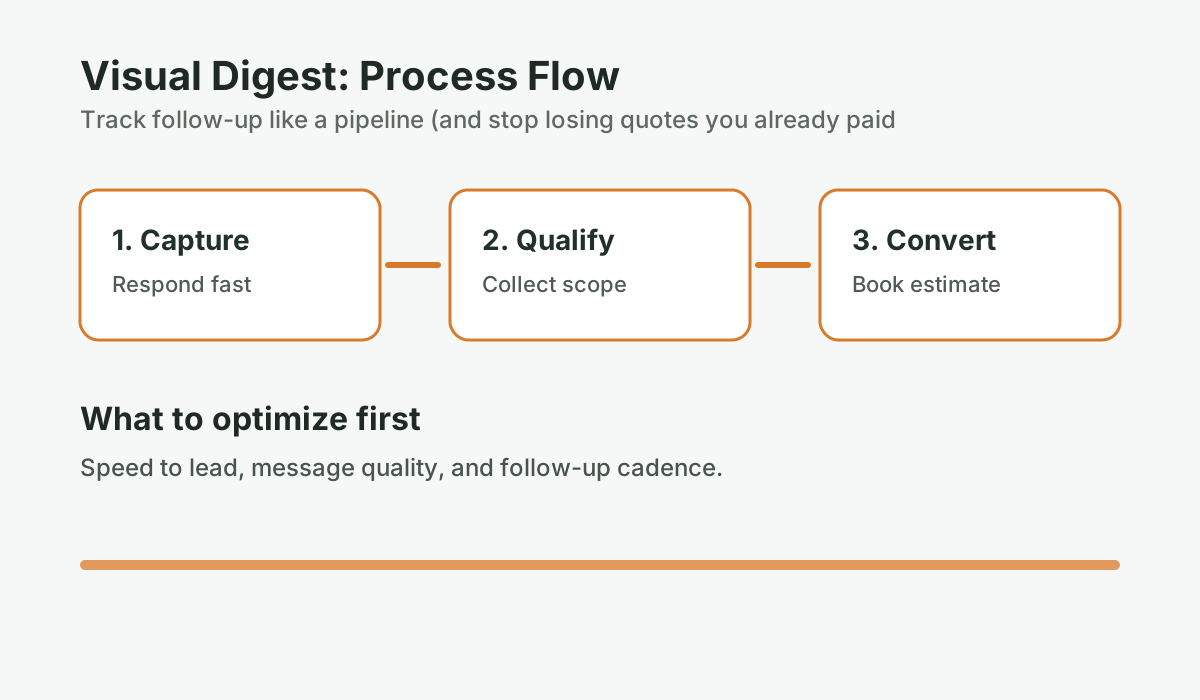
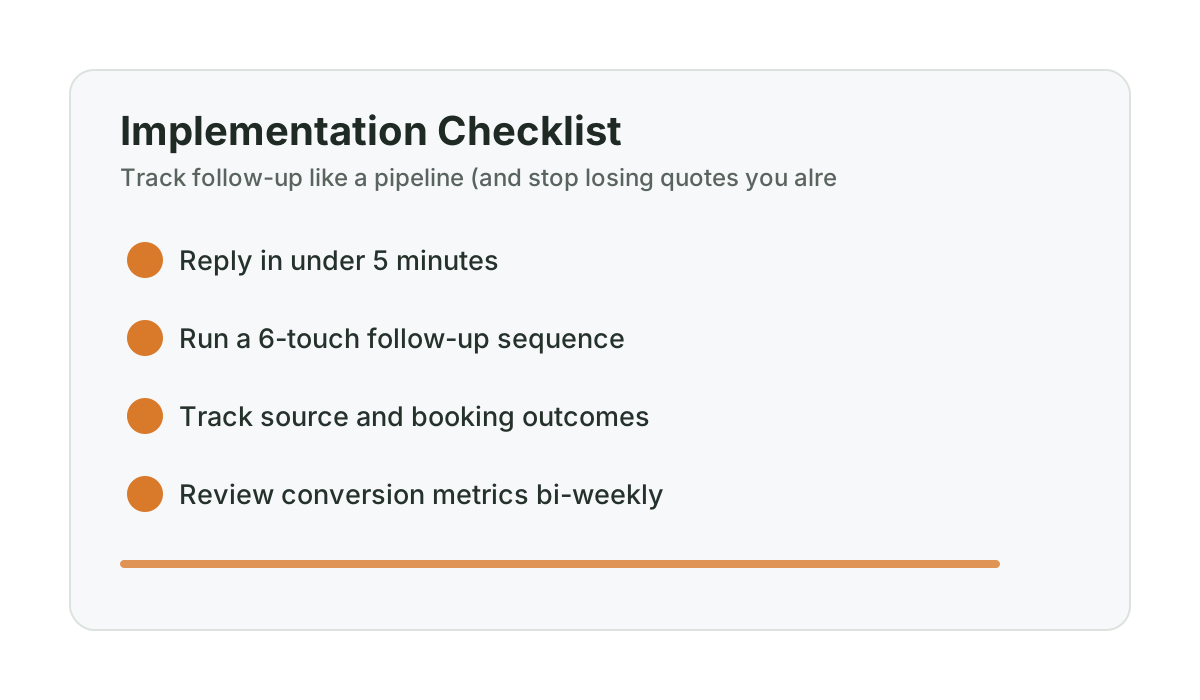
| 3 | Estimate Sent | Quote delivered to homeowner | Begin 6-touch follow-up cadence (Day 1 through Day 42) |
| 4 | Active Follow-Up | In follow-up cadence, homeowner engaged or responsive | Continue cadence, address questions, advance toward close |
| 5a | Closed – Won | Contract signed, deposit collected | Onboard to project management, trigger review request post-completion |
| 5b | Closed – Lost | Went with another contractor, or project cancelled | Log reason if known; add to win-back sequence if project was deferred (not cancelled) |
| 5c | Long-Cycle Nurture | No response after Day 42 but project not definitively cancelled | Monthly check-in for up to 6 months; move to Closed-Lost if no engagement |
Source: Pipeline stage definitions adapted from home services sales operations best practices; HubSpot Sales Report, 2023
Stage 1: New inquiry — the 30-minute window
A new inquiry enters your pipeline the moment someone calls, fills out a web form, or sends a message. The clock starts right away.
Research consistently shows that response time is the most significant predictor of whether a lead converts to a booked appointment. Source: MIT Lead Response Management Study, updated 2023 via InsideSales.com found that contacting a lead within five minutes versus 30 minutes increases conversion probability by 21 times. Industry response time benchmarks suggest that by the time most contractors respond, many homeowners have already contacted a second contractor. For a deeper look at why that 42-minute threshold matters so much, read about the 42-minute problem that kills renovation leads.
What to track in Stage 1:
- Date and time of inquiry
- Source (Google, referral, website form, etc.)
- Project type and rough scope
- Your response time (track this honestly — it’s diagnostic data)
When to move to Stage 2: When an estimate appointment is booked. If after two contact attempts over 48 hours you can’t reach them, move to “Stalled” and add a note. Don’t let Stage 1 become a graveyard of unqualified leads — clean it regularly.
Stage 2: Estimate scheduled — confirm before you drive
An estimate is only scheduled if the homeowner confirmed it. Confirmation means either a reply to your booking message or an explicit verbal commitment. A homeowner who “seemed interested” is not a scheduled estimate.
In Stage 2, the only job is making sure the appointment happens. Send the reminder sequence (48 hours, 24 hours, two hours). For the specific reminder scripts, see No-show to sold: the reminder and reschedule system for in-home estimates.
What to track in Stage 2:
- Appointment date, time, and address
- Confirmation status (confirmed / unconfirmed)
- Notes from any pre-estimate communication
When to move: Move to Stage 3 when the estimate is sent. If a no-show occurs and no reschedule is confirmed within 48 hours, move back to Stage 1 or to a “Stalled” status.
What happens to your estimates after you send them?
Score your estimate follow-up process. Most contractors stop after one touch. This scorecard shows where your close rate is leaking.
Run the numbers for your business: Score your estimate follow-up. It takes 2-3 minutes and gives you a clear baseline before your next estimate round.
Stage 3: Estimate sent — the follow-up clock starts now
The moment you send the estimate, the follow-up clock starts. Stage 3 is the entry point for the six-touch cadence. Every estimate that moves into Stage 3 needs a follow-up date assigned — Day 1 is the same day the estimate is sent.
The most common pipeline failure happens here. Estimates pile up in “Estimate Sent” status with no next action attached. Without a clear “next follow-up date” on every entry, Stage 3 becomes a list of cold leads you feel vaguely guilty about.
What to track in Stage 3:
- Date estimate was sent
- Estimate amount
- Next follow-up date (populated automatically when estimate is sent)
- Follow-up touch number (Touch 1 of 6, etc.)
When to move to Stage 4: When the homeowner responds to any follow-up message — a question, a reply, any engagement. Engagement signals that the lead is active and should be treated with priority.
Stage 4: Active follow-up — work the lead
Stage 4 is where jobs are won or lost. A homeowner who’s responding to follow-up is engaged — they’re thinking about the project, and your job is to help them make a decision.
In Stage 4, you should move faster and be more direct. If someone responded to your Day 7 message asking about the scheduling window, follow up with a call. If they replied to the Day 14 email with a question about materials, answer it quickly and offer to walk through it on a call.
What to track in Stage 4:
- Last contact date and what was said
- Outstanding questions or objections
- Homeowner’s expressed timeline or constraints
- Your scheduling availability that aligns with their timeline
When to move to Won: When a contract is signed or a deposit is collected. Do not mark a lead as Won because someone said “yes, let’s move forward” verbally — follow up same day with the contract or deposit request and move to Won only when that’s confirmed.
When to move to Lost: When the homeowner explicitly says they chose another contractor or decided against the project. If they say “we’re putting it off for now,” move to Long-Cycle Nurture, not Lost — deferred is not the same as cancelled.
How do you measure contractor sales pipeline performance?
A pipeline with data is useful. A pipeline with the wrong data is noise. For renovation contractors, three metrics tell you almost everything you need to know about your sales process:
1. Estimate-to-close rate
Estimates Won divided by Estimates Sent. This is your headline number. Industry standard for renovation contractors is 20-35%. If you’re below 20%, the problem is likely follow-up volume (you’re not making enough touches) or timing (you’re waiting too long). If you’re above 35%, you’re doing something right — figure out what and systematize it. For context on what good looks like across the industry, the contractor benchmarks report covers answer rates, booking rates, and speed metrics side-by-side.
2. Average time-to-close
For estimates that do close, how many days elapsed between estimate sent and contract signed? This number tells you what “normal” looks like for your specific market and project type. If your average is 14 days but you’re giving up on leads at Day 7, you’re abandoning jobs that would have closed with a bit more patience.
3. Follow-up touch-to-close correlation
Track how many follow-up touches were made on jobs that closed. Over time, this reveals your specific sweet spot — the number of touches after which your close probability peaks. For most renovation contractors, this is somewhere between touches three and six.
| Metric | How to Calculate | Industry Benchmark | Action If Below Benchmark |
|---|---|---|---|
| Estimate-to-close rate | Won / Sent x 100 | 20-35% | Increase follow-up touches, review cadence |
| Average time-to-close | Sum of days-to-close / Won count | 14-42 days | Extend follow-up cadence if you’re cutting off before average |
| No-show rate | No-shows / Scheduled x 100 | 5-15% | Implement reminder sequence |
| Response rate by touch | Replies / Messages sent by touch number | Varies | Identify which touches generate engagement; optimize messaging |
Source: Benchmarks based on ServiceTitan Home Services Industry Report, 2023; Leap (formerly Estimate Rocket) Sales Data, 2023
When to officially close a lead as Lost
One of the most common pipeline problems is not closing leads as Lost. When every cold lead stays in Stage 3 indefinitely, your pipeline numbers become meaningless — you can’t tell your real close rate because the denominator keeps growing with stale leads.
Official rules for closing as Lost:
- Homeowner explicitly said they went with another contractor
- Homeowner explicitly said the project is cancelled (not deferred)
- Six touches over six weeks with zero response — move to Long-Cycle Nurture, and after three months of monthly nurture with no response, close as Lost
Long-Cycle Nurture is the right home for “silent” leads — homeowners who stopped responding but not said no. A monthly check-in over three to six months costs almost nothing and occasionally recovers a job that had a six-month decision timeline. In modeled long-cycle scenarios, a $65,000 basement opportunity can re-engage from a follow-up sent weeks after the original estimate. That is exactly the type of lead that gets marked Lost too early in a less patient system.
How to build a contractor sales pipeline without specialized software
Pipeline management for contractors is the daily habit of reviewing which leads need follow-up, sending those messages, and updating stage status — a 10-15 minute routine that prevents estimates from disappearing into the void.
You don’t need specialized software to run a pipeline. A spreadsheet with columns for each stage and a “next follow-up date” field for every row works fine if you check it every morning.
What you need is a daily habit of:
- Reviewing which leads have a follow-up due today
- Sending those follow-up messages
- Updating the stage of any leads that moved
- Adding new estimates that were sent the previous day
That’s 10-15 minutes per day. The constraint isn’t the tool — it’s the habit. Most contractors who try manual pipeline management do it for two or three weeks, then fall off when a job gets intense and there’s no time in the morning. It’s the same reason that another app won’t fix lead leaks if there’s nobody consistently running it — the system needs to work whether or not you had time this morning.
The automated version removes the habit dependency entirely. The ConversionSurgery Revenue Recovery System tracks every estimate, triggers follow-up automatically at each cadence point, and updates stage status based on homeowner responses. The only thing the contractor has to do is mark estimates as sent and mark jobs as won or lost — about 30 seconds per estimate.
Contractors who see measurable close rate improvements typically change nothing about their estimates, pricing, or marketing. They change how consistently follow-up happens on every estimate sent. That one process change can add six figures in annual revenue. A pipeline is how you replicate that consistency at scale, without relying on discipline that evaporates under the pressure of a busy season. To understand the ROI math behind that shift, see how to measure marketing ROI from lead to estimate to closed job.
For the specific follow-up messages to use at each stage, see Estimate follow-up scripts that don’t sound salesy. For the full cadence structure, see The follow-up engine: a simple cadence that revives “maybe later” estimates.
Frequently asked questions
What is a contractor sales pipeline?
A contractor sales pipeline is a system for tracking where every potential job stands, from initial inquiry through closed contract. For renovation contractors, the five key stages are: New Inquiry, Estimate Scheduled, Estimate Sent, Active Follow-Up, and Closed (Won, Lost, or Long-Cycle Nurture). Each stage has a defined “next action” so leads don’t stall without a clear path forward. The primary value is ensuring that no estimate gets forgotten and that follow-up happens consistently on every active lead.
What should I track in a contractor estimate pipeline?
The minimum viable data points are: date estimate was sent, estimate amount, current stage, next follow-up date, and number of follow-up touches completed. Three metrics matter most: estimate-to-close rate (the headline number), average time-to-close (tells you how long to keep following up), and follow-up touches on closed jobs (tells you how many touches it actually takes to win in your market).
When should I close out an estimate as lost in my pipeline?
Close a lead as Lost when the homeowner explicitly says they hired someone else or cancelled the project. Do not close as Lost when they stop responding — move those to a Long-Cycle Nurture stage and send a monthly check-in for three to six months. Many renovation decisions take longer than the standard six-week follow-up window, and monthly nurture occasionally recovers high-value jobs that would otherwise be written off.
Do I need CRM software to manage a contractor sales pipeline?
No — a spreadsheet with clearly defined stages and a “next follow-up date” column on every row is sufficient for contractors sending fewer than 20 estimates per month. The critical requirement is checking it daily and sending follow-up the same day it’s due. For higher volumes (20+ estimates per month), an automated system that triggers follow-up based on stage transitions is worth the investment — the time savings and consistency gains far exceed the cost at that volume.
What is a good estimate close rate for a renovation contractor?
Industry benchmarks put renovation contractor close rates in the 20-35% range. Contractors at the low end typically have weak or no follow-up processes. Contractors at the high end typically have structured follow-up cadences and consistent pipeline management. A 10-percentage-point improvement in close rate — from 25% to 35% — on 20 monthly estimates at $45,000 average project value generates approximately $90,000 in additional monthly revenue from the same lead volume. Source: Leap Home Services Sales Report, 2023; ServiceTitan Industry Benchmarks, 2023
Want help applying this to your pipeline?
Use the matching diagnostic tool first, then book a quick strategy call if you want a done-for-you rollout.

Mashrur Rahman
Founder, ConversionSurgery
I build revenue recovery systems for renovation contractors. After seeing how much money remodelers lose to slow follow-up and missed calls, I built a managed service that handles lead response, estimate follow-up, and after-hours capture automatically. The data in these articles comes from running these systems across real contracting businesses.
Related reading
Dormant lead reactivation playbook for slow season (Alberta renovation edition)
Turn quiet months into booked pipeline by reactivating old estimates with a structured, non-pushy cadence.
No-show to sold: the reminder and reschedule system for in-home estimates
Contractor estimate no-shows waste 2-4 hours per occurrence. A 3-part reminder sequence — 48hr, 24hr, 2hr — cuts no-shows dramatically. Here’s the system.
Estimate follow-up scripts that don’t sound salesy
Word-for-word follow-up scripts for every touch in the estimate cadence — text, email, and voicemail — that sound helpful instead of desperate.